JDepend design metrics in CI
This article is intended to give the reader enough information to understand what JDepend is, what it does, and how to use it in a maven build. It’s a kind of cheat sheet, if you like.
What is it?
JDepend is more of a design metric than a code metric, it gives you information about your classes with regards to how they’re related to each other. Using this information you should be able to identify any unwanted or dubious dependencies.
How does it do that?
It traverses Java class files and generates design quality metrics, such as:
- Number of Classes and Interfaces
- Afferent Couplings (Ca) – What is this?? Someone probably feels very proud of themselves for coming up with this phrase. Afferent coupling means the number of other packages which depend on the package being measured, in a nutshell. JDepend define this as a measure of a package’s “responsibility”
- Efferent Couplings (Ce) – Sort of the opposite of Ca. It’s a measure of the number of other packages that your package depends on
- Abstractness (A) – The ratio of abstract classes to total classes.
- Instability (I) – The ratio of efferent coupling (Ce) to total coupling (Ce + Ca)
- Distance from the Main Sequence (D) – this sounds fairly wishy-washy and I’ve never paid any attention to it. It’s defined as: “an indicator of the package’s balance between abstractness and stability”. Meh.
To use JDepend with Maven you’ll need Maven 2.0 or higher and JDK 1.4 or higher. You don’t need to install anything, as maven will sort this out for you by downloading it at build time.
Here’s a snippet from one of my project POMs, it comes from in the <reporting> section:
<plugin>

    <groupId>org.codehaus.mojo</groupId>

    <artifactId>jdepend-maven-plugin</artifactId>

    <configuration>

        <targetJdk>1.6</targetJdk>

        <outputDirectory>build/maven/${pom.artifactId}/target/jdepend-reports</outputDirectory>

    </configuration>

</plugin>
What you’ll get is a JDepend entry under the project reports section of your maven site, like this:

Maven Project Reports Page
And this is what the actual report looks like (well, some of it):

jdepend report
Summary:
JDepend isn’t something I personally use very heavily, but I can understand how it could be used to good effect as a general measure of how closely related your classes are, which, in certain circumstances could prompt you to redesign or refactor your code.
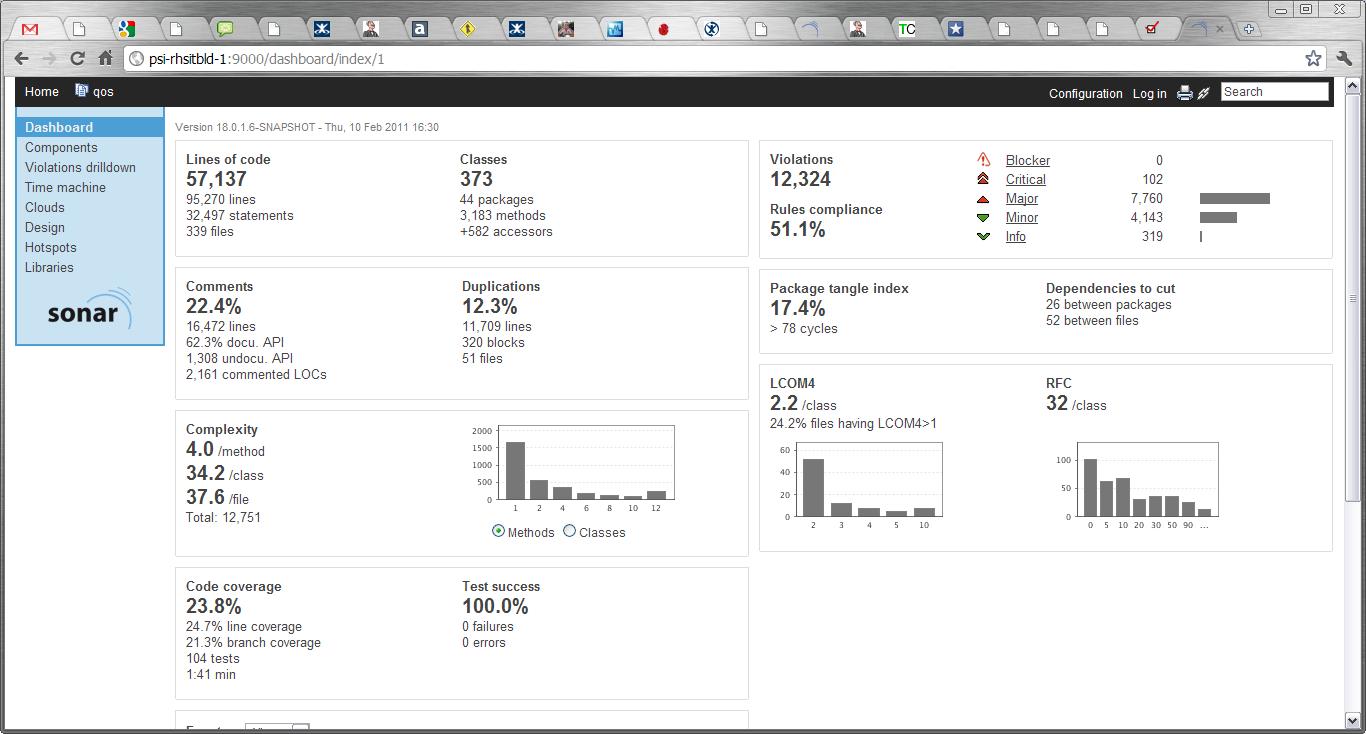
I don’t think this sort of information is required on a per commit basis, so I’d be tempted to only include it in my nightly reports. However, I also use Sonar, and that has a built-in measure of afferent coupling, so if you’re only interested in that measurement and you’re already running Sonar, then JDepend is probably a bit of an unnecessary overhead. Also, Sonar itself has some good plugins which can provide architectural and design governance features, at least one of which I know implemented JDepend.
 DevOpsNet